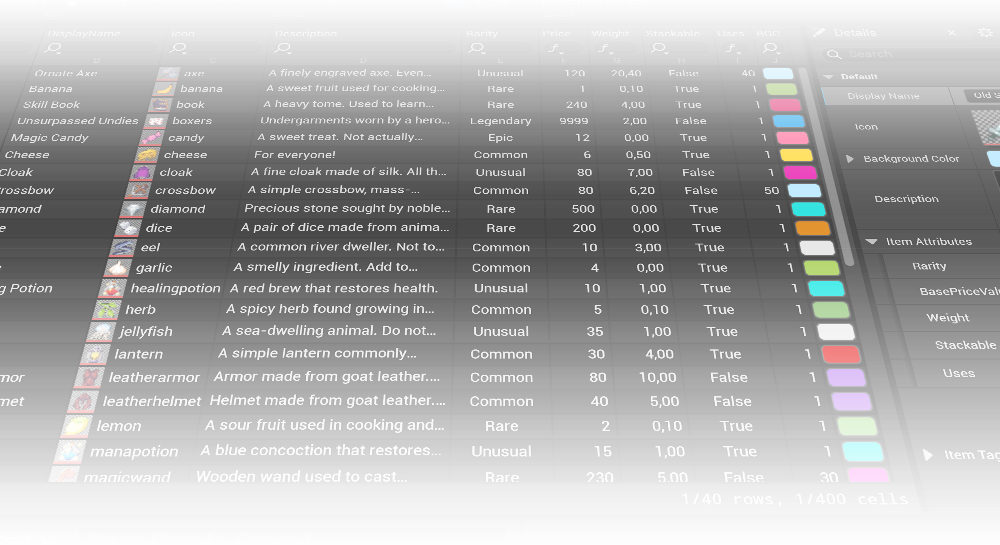





PSI Property Spreadsheet

Update 1.1
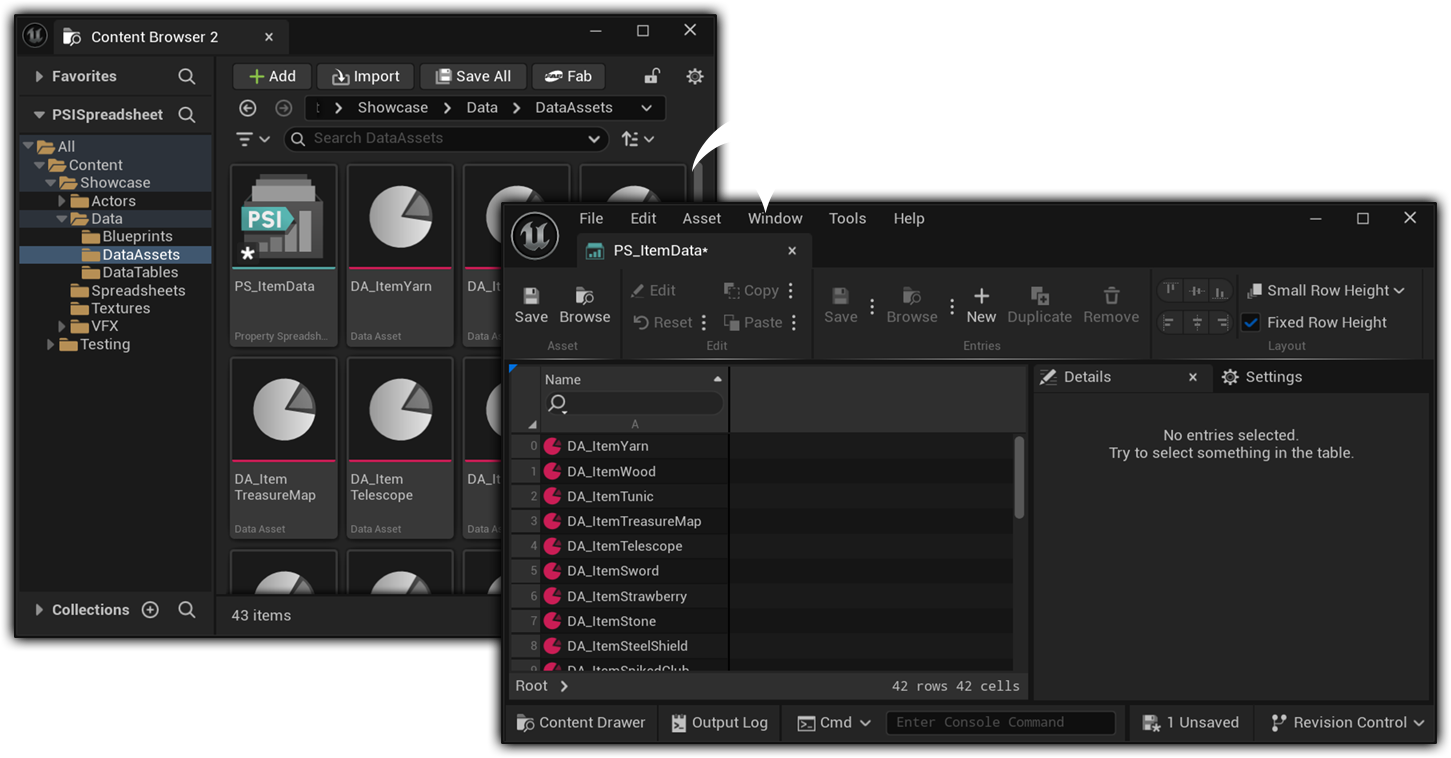
This update adds dedicated Data Table support, allowing you to edit Data Table rows just like any other assets.

Update 1.2
Our latest update allows you to add the properties of Actor Components to the spreadsheet, making the management of data within Actor Blueprints significantly easier and faster.
Reduce open tabs, save custom sheets, and streamline your workflow.
Edit All Properties in One Place
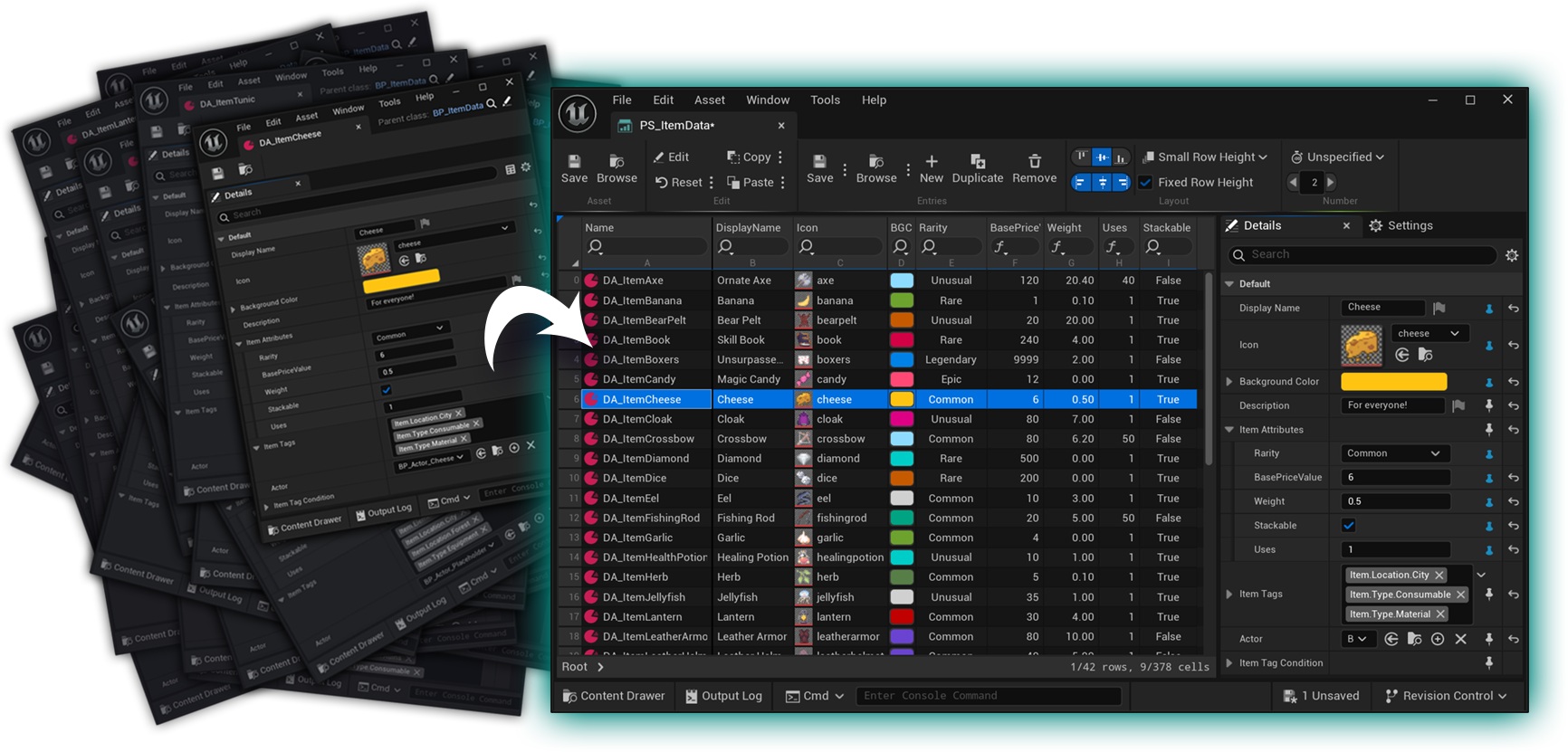
General Asset Table
Each row is one asset. Pin their properties in the Details panel to add them as columns.

Full Type Support
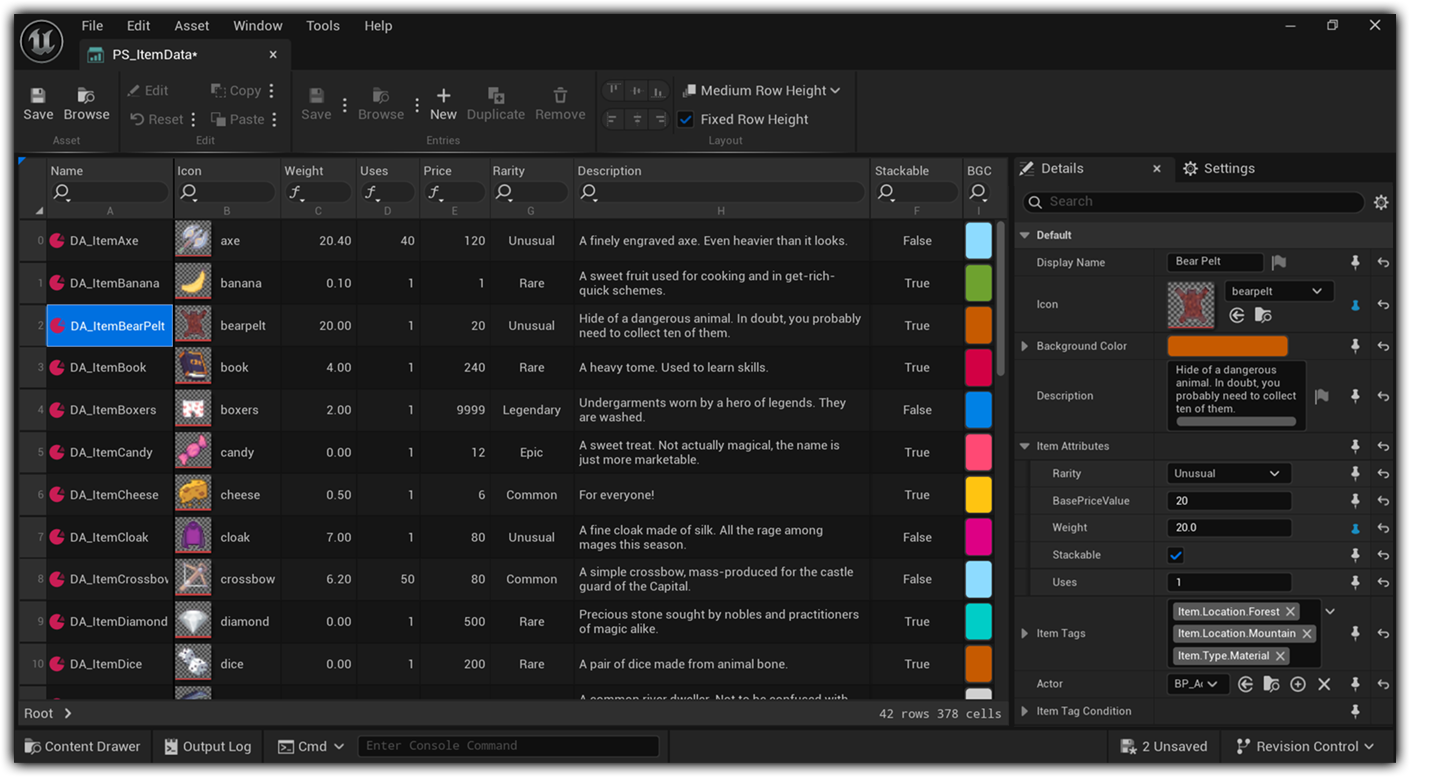
Supports all property types. Each type has a specialized editor in the table view.
Supports all built-in meta specifiers that can affect how a property is displayed and edited (e.g., ClampMin/Max, GetOptions, MultiLine, Bitmask, etc.).
Universal Asset Editor
Supports all Unreal Engine asset types, including your own Blueprints or Data Assets, and built-in types.
Built for Scale
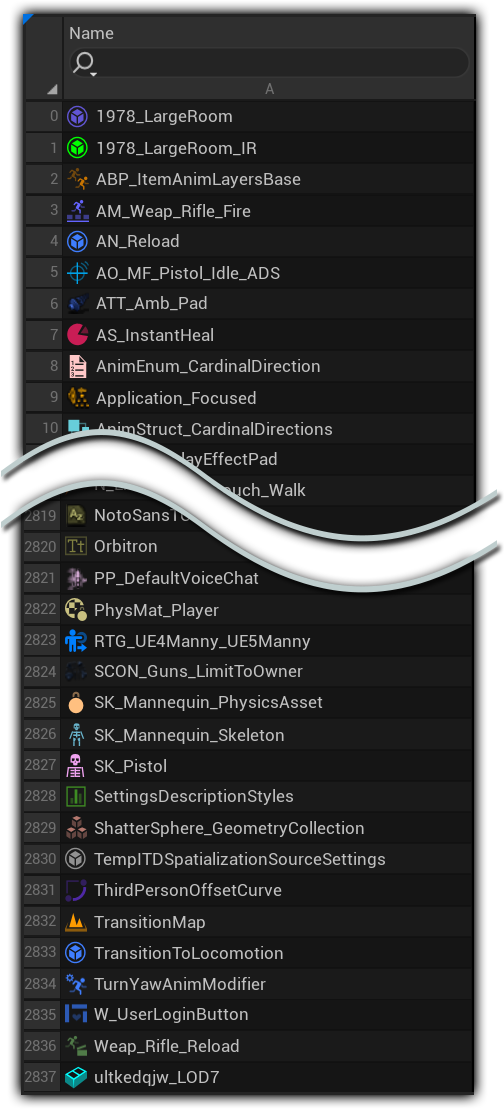
Native C++ implementation for high responsiveness and scalability. Uses virtualization to support hundreds to thousands of Entries simultaneously.
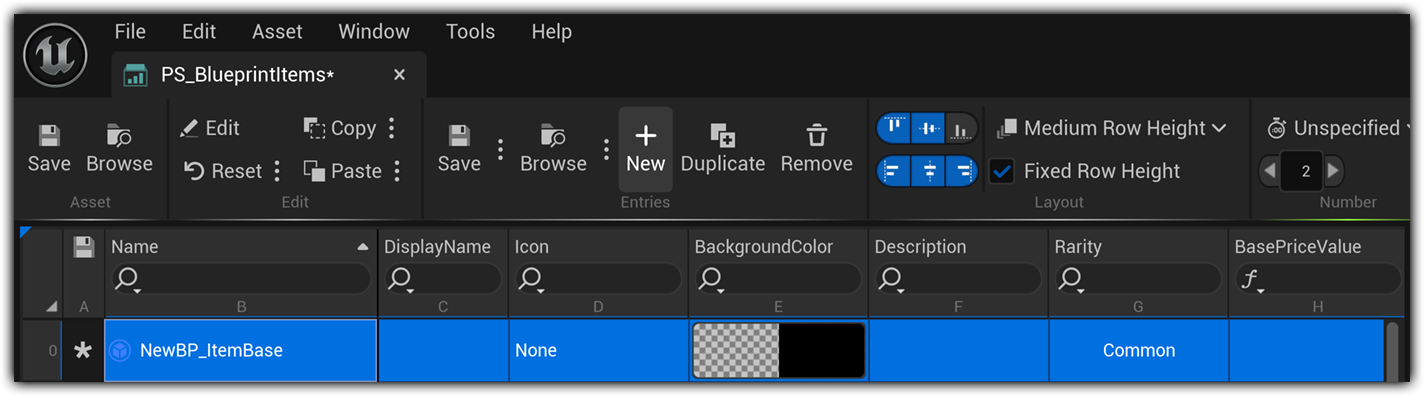
Assets can be created, duplicated, deleted, and renamed directly in the Spreadsheet.
Real-Time Sync
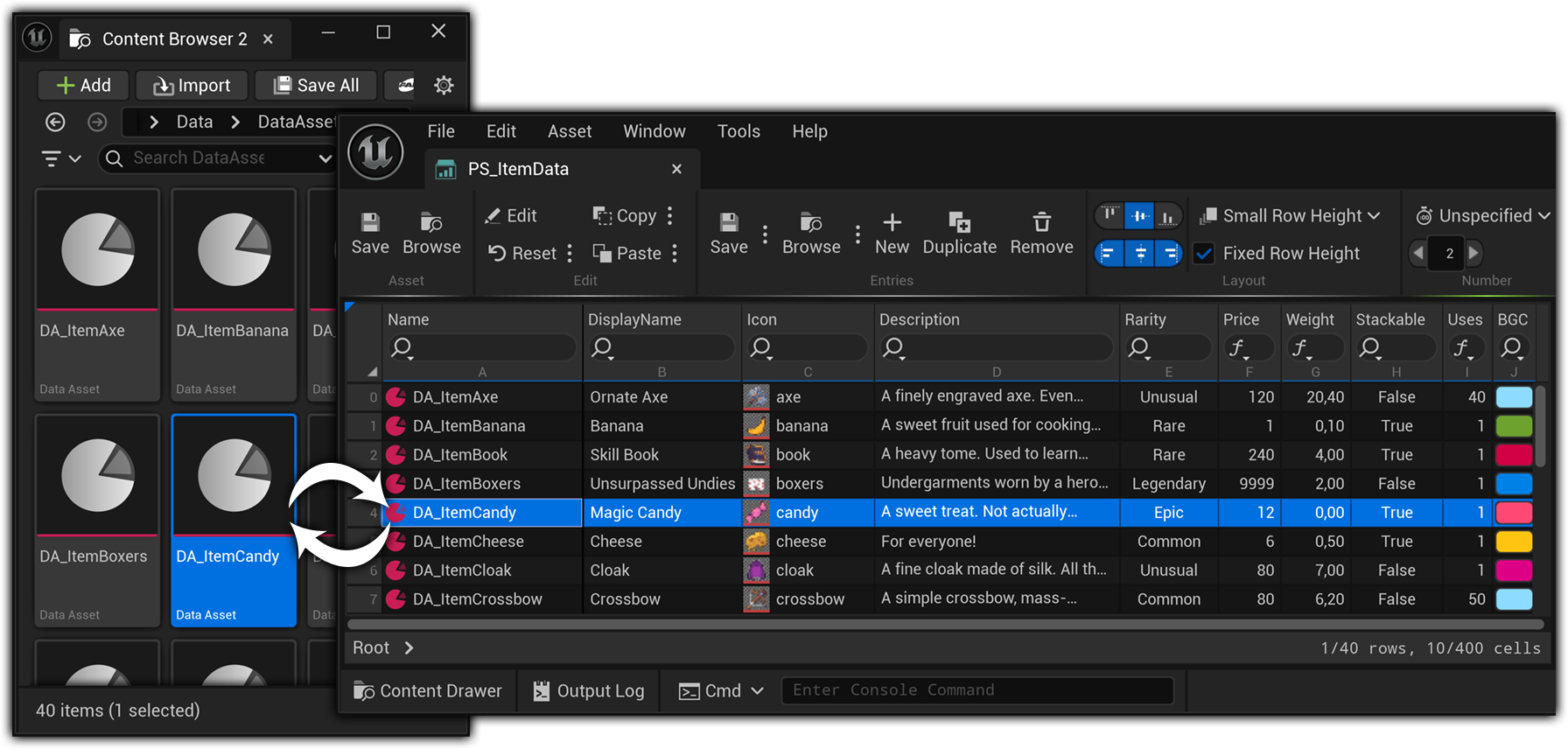
Changes to asset properties are instantly updated in the Spreadsheet, and vice versa. This is also true for changes to the source folders, like creating, deleting, or moving assets.
Actor Component Support
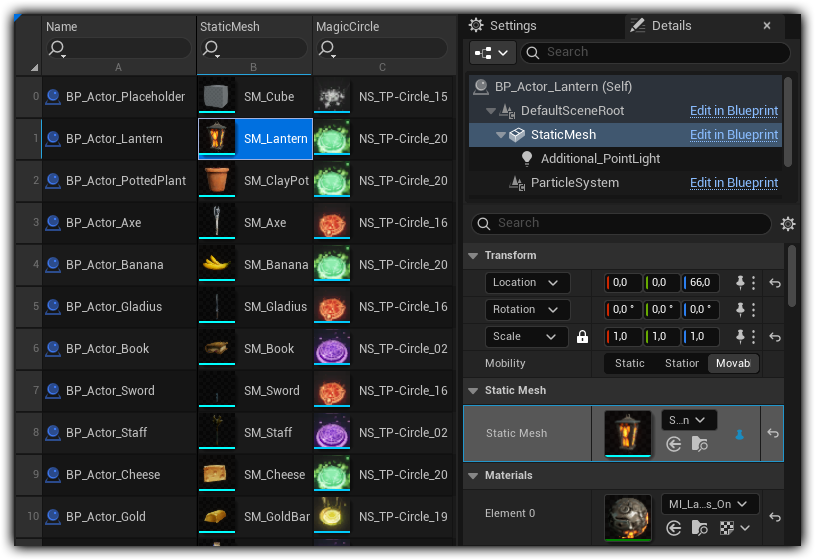
Edit the properties of Actor Components across multiple Blueprint Actors.
Unrivaled Utility
Access Actor Components through the familiar Component Panel when editing Actors as Entries.
Create columns for Actor Component properties by selecting the component first and then pinning the property.
The only tool that provides bulk editing of Actor Component properties in Unreal.
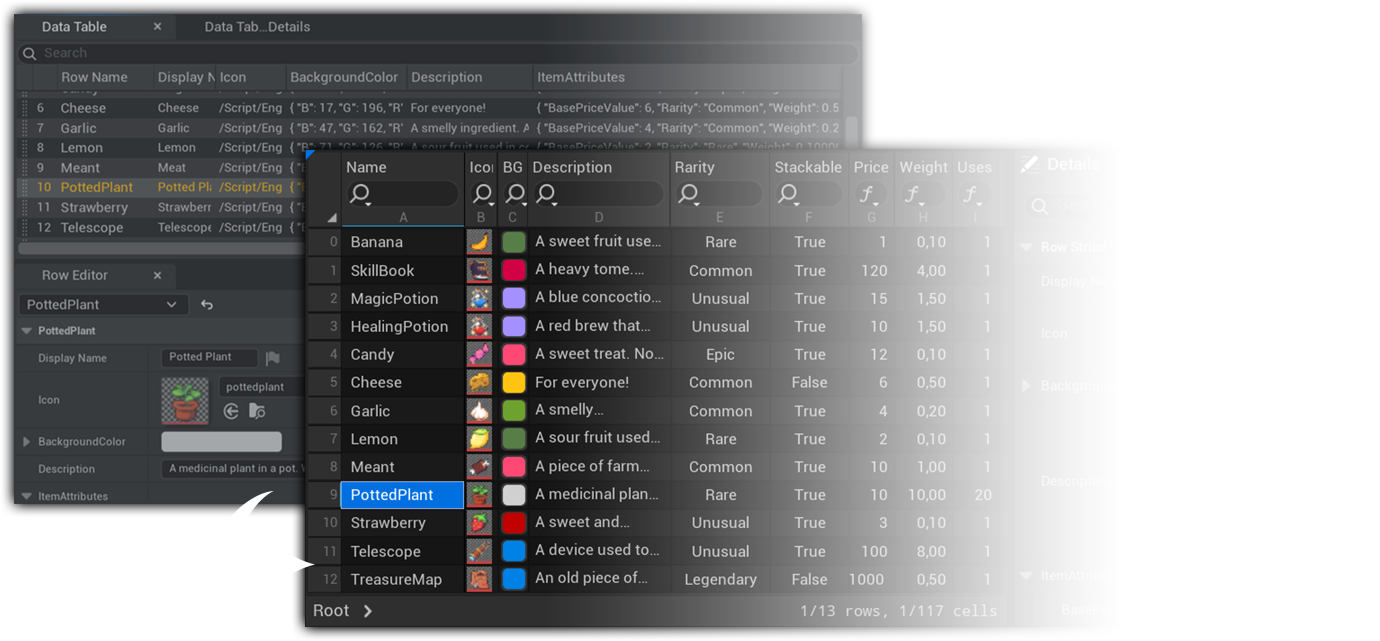
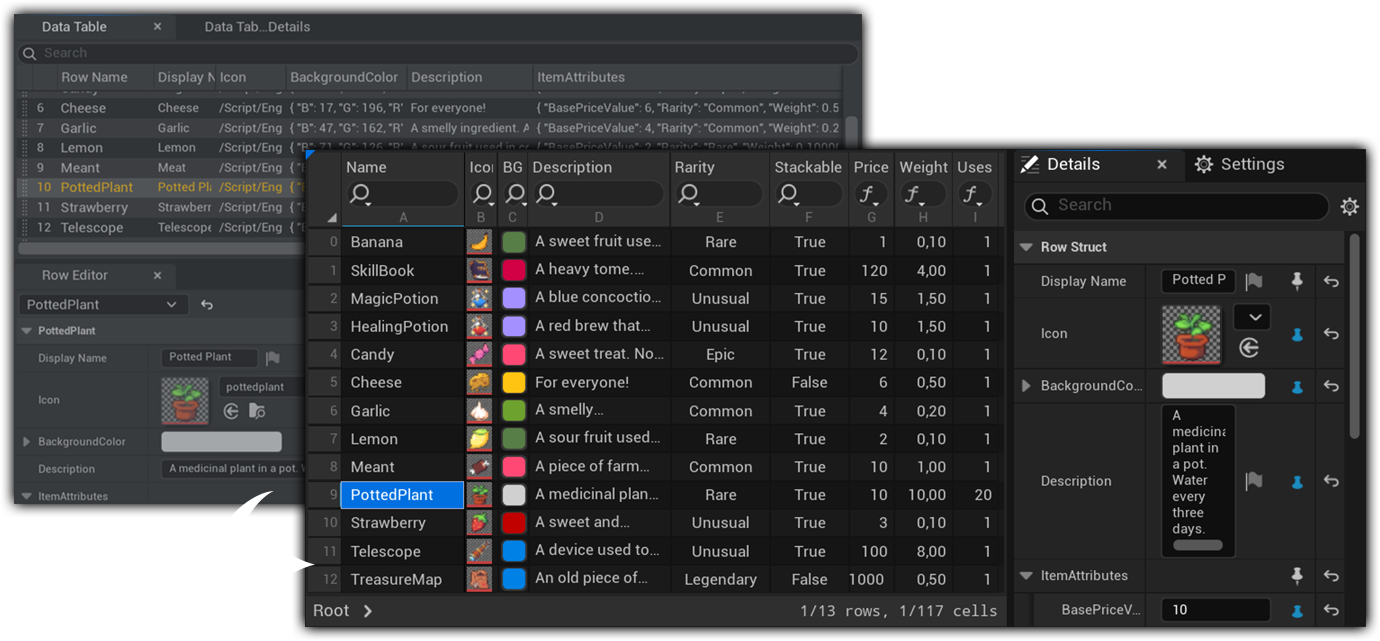
Data Table Support
Edit Data Table rows just like other assets.
Unified Editing Experience
Create, delete, and rename rows directly in the Spreadsheet.
Take advantage of superior UX and bulk editing capabilities.
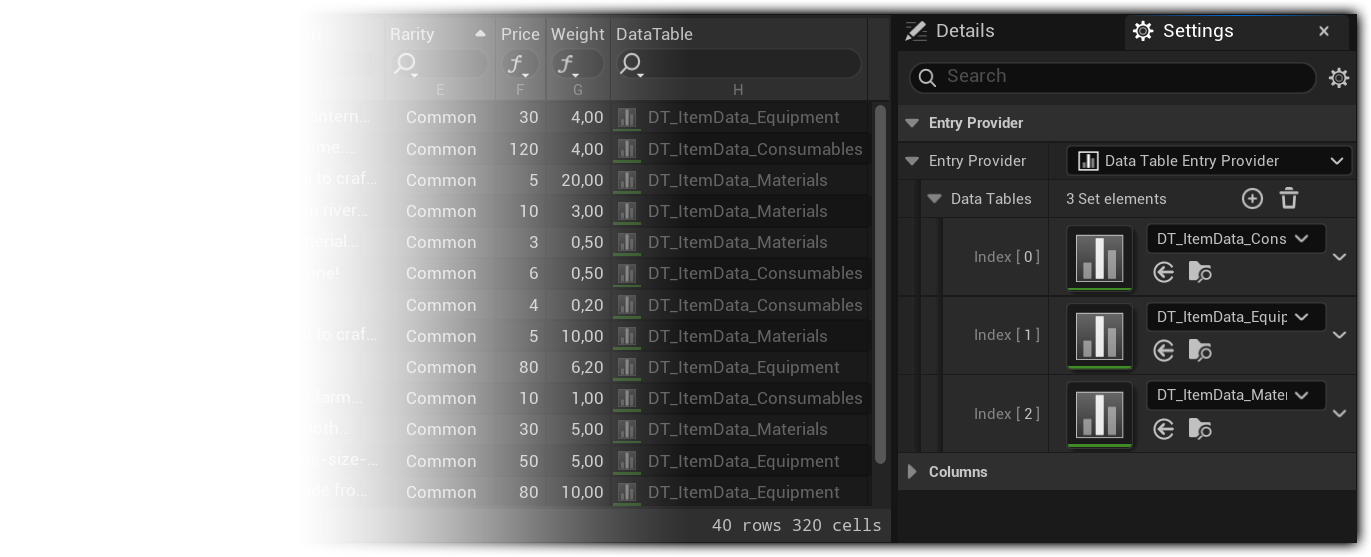
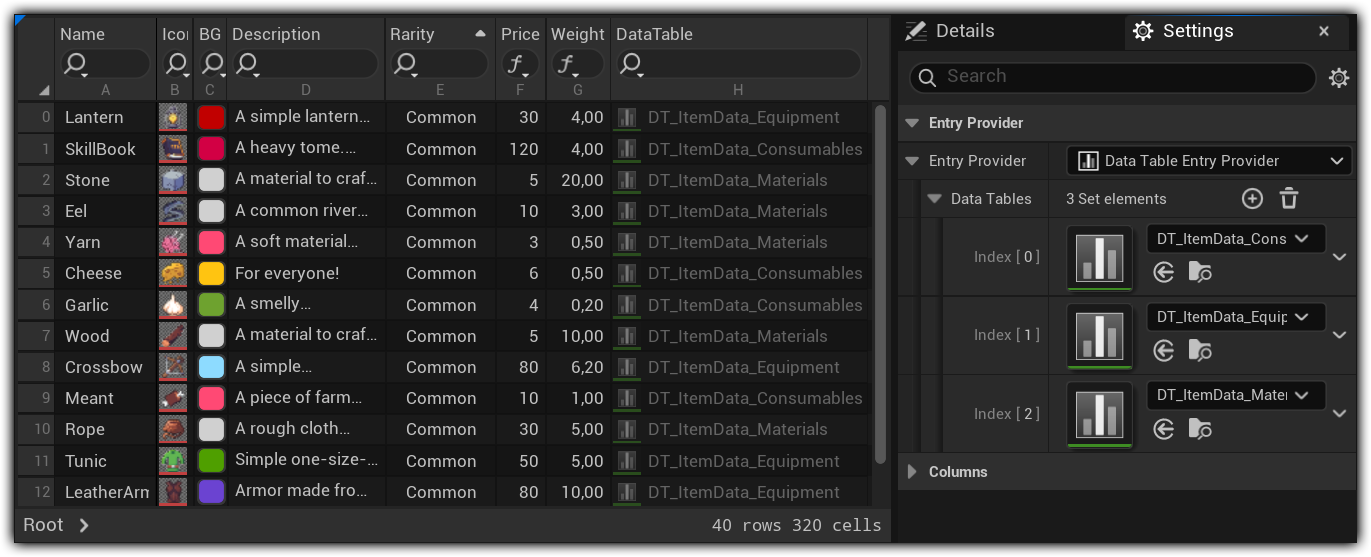
Edit Across Data Tables
Manage and edit multiple Data Tables simultaneously in a single Spreadsheet.
Persistent Workspaces
Editor-Only Assets
Spreadsheets are assets that let you view and edit other assets.
You can create as many as you want and even target the same source assets. Therefore, you can create task-specific Spreadsheets with different columns.
View Customization
Tailor to Your Needs
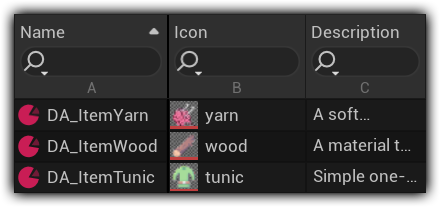
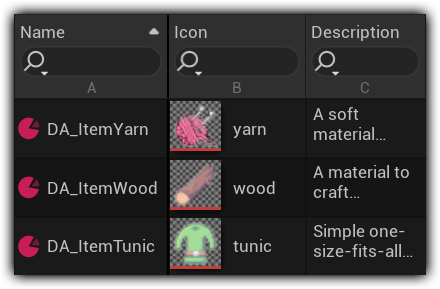
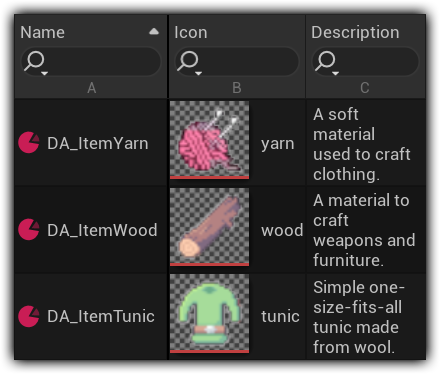
Use different line heights for better readability or visibility of thumbnails. Horizontal and vertical text alignment can be set per column. Columns, layout settings, display options, filters, etc., are saved inside the Spreadsheet asset.
Sort & Filter
Filter
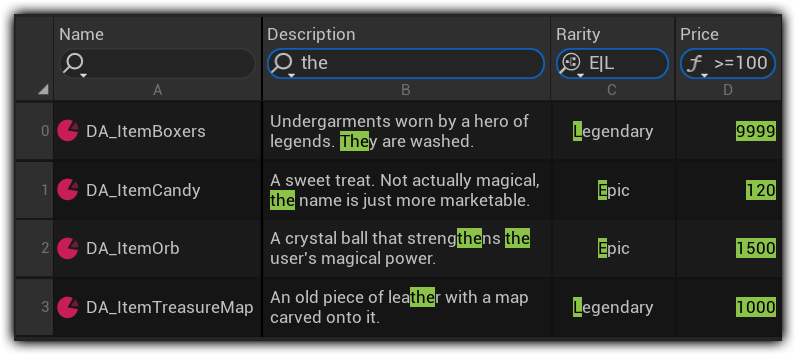
Filter rows by each column separately, either by string or by using specialized filters (regex, numeric expressions, Gameplay Tag queries).
Sort
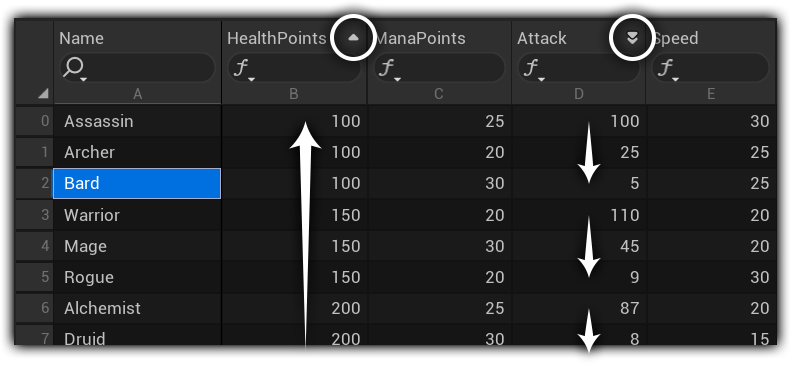
Sort rows by property values in ascending and descending order. Apply primary and secondary sorting.
Excel-erate Your Unreal Workflow
Emulates the controls and feel of common spreadsheet applications, including full keyboard support.

Keyboard Support
Editor commands can be executed via shortcuts.

Toolbar
Header toolbar for general and property-specific functions and settings.

Footer showing the current number of entries, number of cells, and the current selection

Meta Data
Built-in columns displaying an asset’s save state and version control state
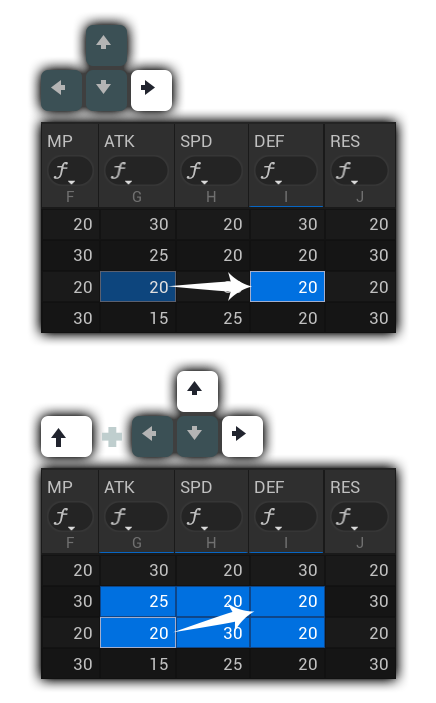
Use the arrow keys to navigate and select cells.
Editing
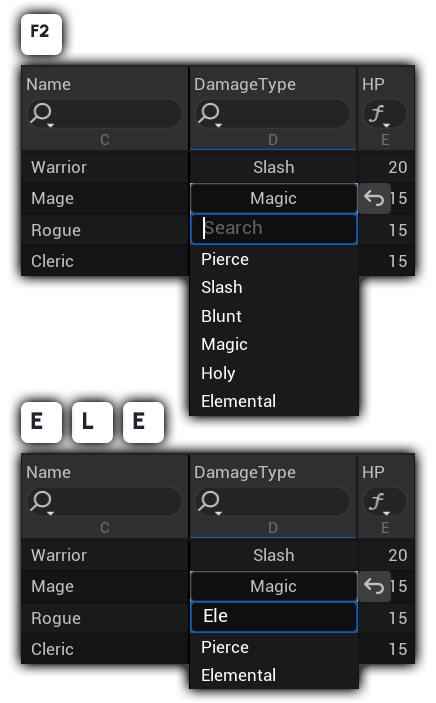
Initiate Edit Mode using F2. Or just start typing!
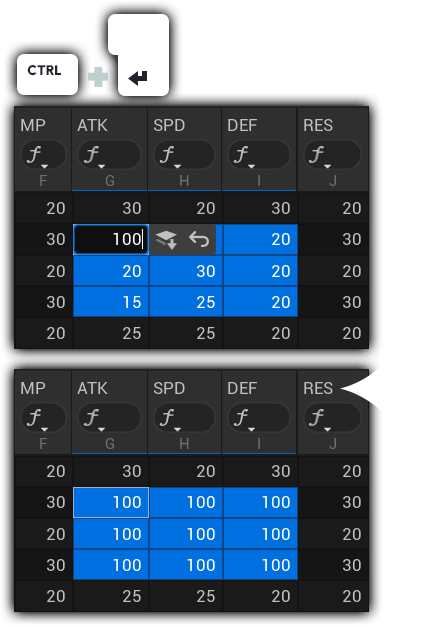
Bulk-Assign
Assign the change you made to the current cell to all selected cells.
Easy & Flexible Setup
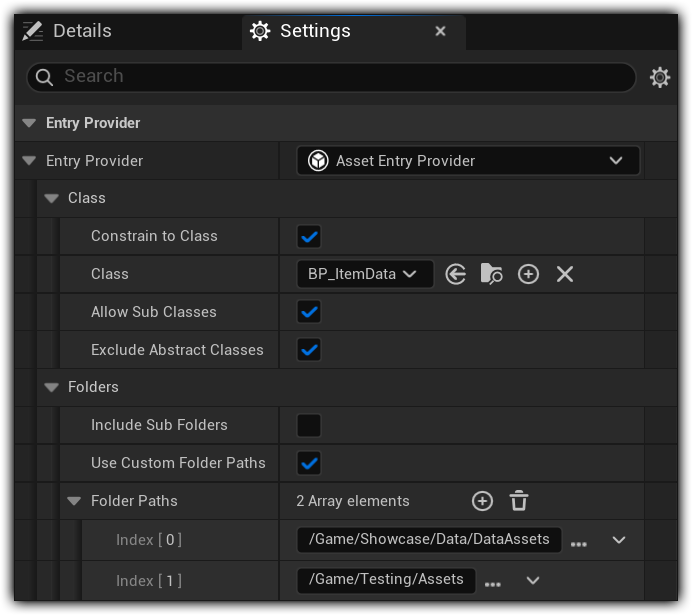
Reference-Free Access
Supports your Workflow
The plugin is independent of the project structure and does not require the use of specific patterns or base classes.
No Risk
No data conflicts between team members working with and without the plugin. Can be added to or removed from a project at any time without data loss.
Works Seamlessly with PSI Advanced Tag Display
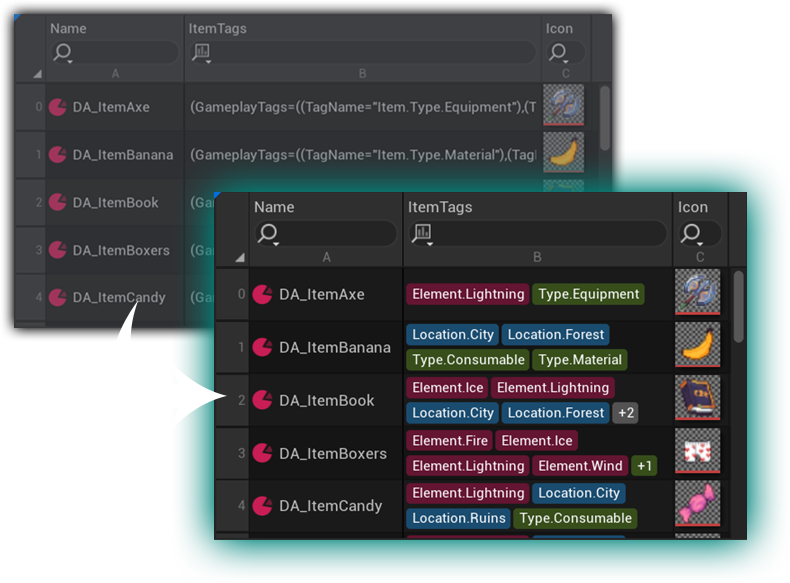
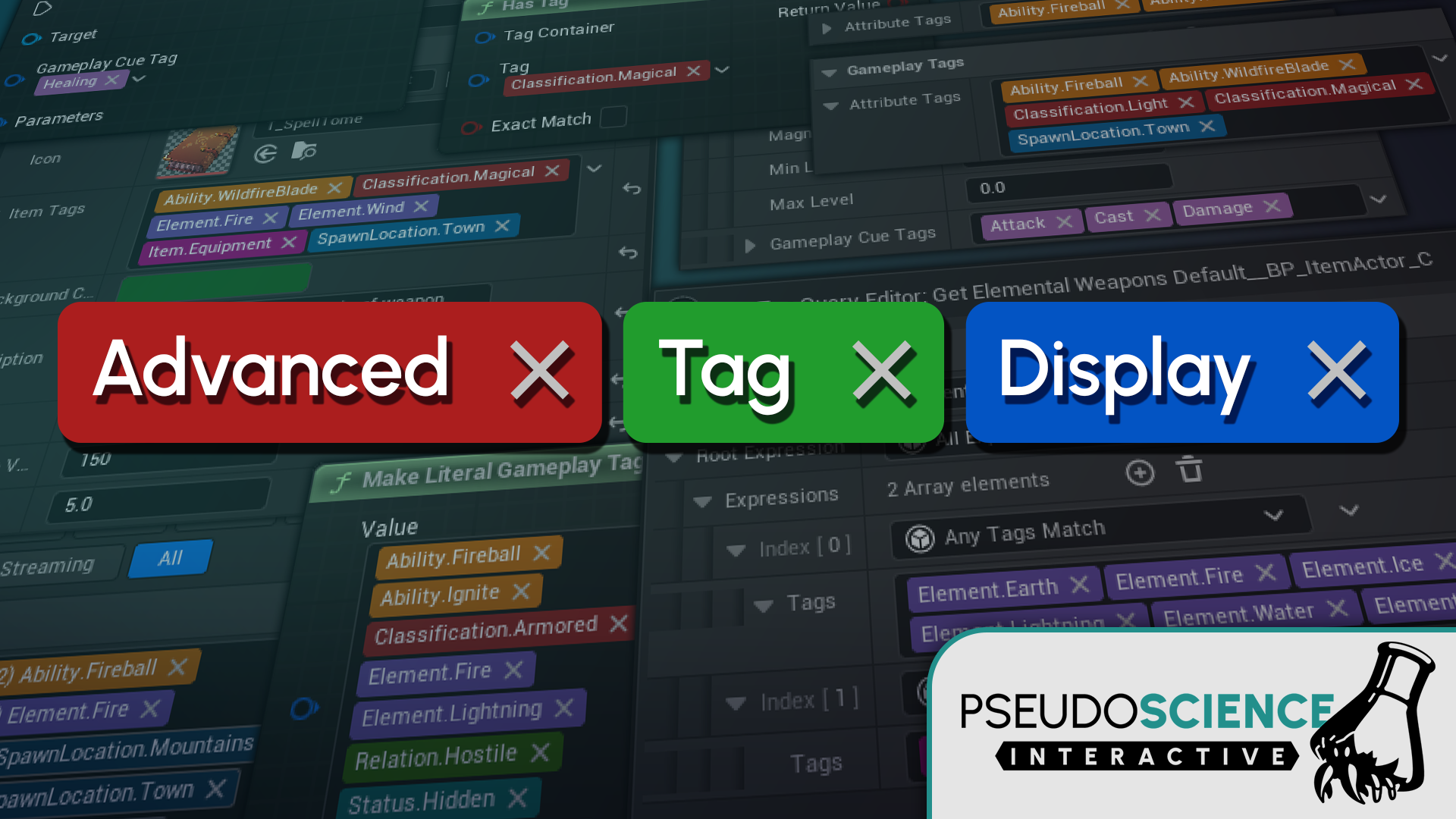
Take advantage of custom widgets from the PSI Advanced Tag Display plugin directly in the table. Benefit from tag colors, layout options, keyboard support, and improved multi-select.